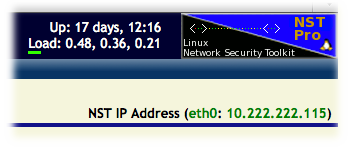
Local NST Pro Subscription Registration
If you are not able to register your NST system using the procedure on the Remote Registration page, you can use the following steps to register your NST system locally:
- Open the NST WUI
(https://NST_IP_ADDRESS/nstwui) in your browser. You should
see the form to enter your Registration Code near the top of
the page:
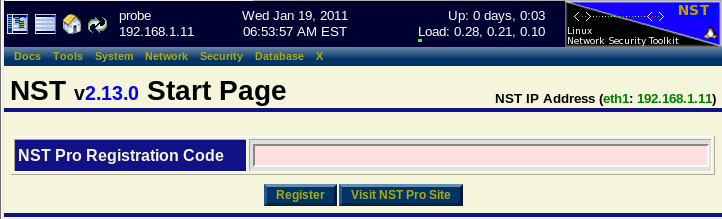
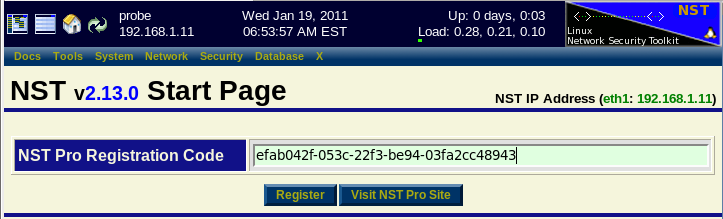
- Enter your Registration Code and press the Register
button.
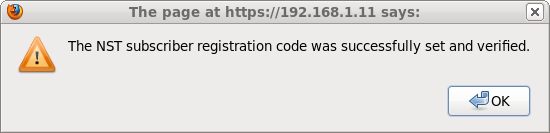
- You should a message similar to the following indicating that
your Registration Code was accepted.
- After registering your NST system, you should see the
NST Pro icon in the top right corner of the NST
WUI banner.